
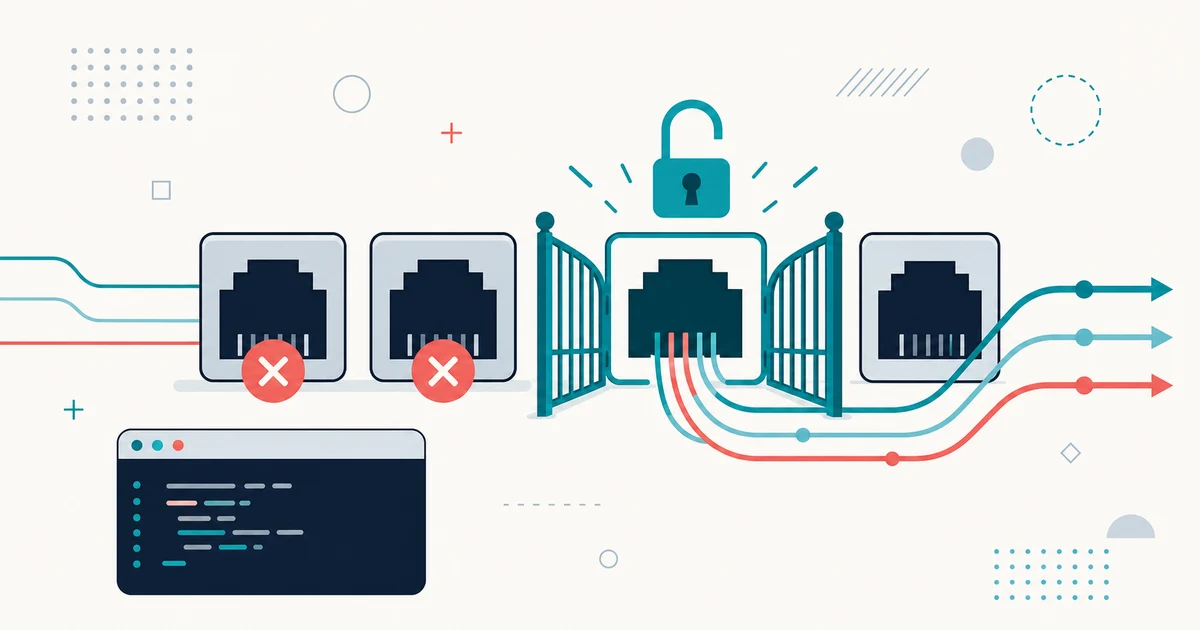
This can be frustrating sometimes that you closed all your code editors and terminals but your ports are still blocked.
The only solution you would have in your mind as a beginner is, to restart the computer. But what if there is a better way?
For example, my blocked port is 3000, and I would like to see which application is still using it. I would simply run
this in my terminal:
lsof -i :3000This would give an output with a table of all the programs using this port 3000. Notice the PID column there and note
down its value. In my case, it was 6595.
Now run the following command to kill the process and free the port:
kill 6595That is all!